
Getting set up with your Phase Browser Extension
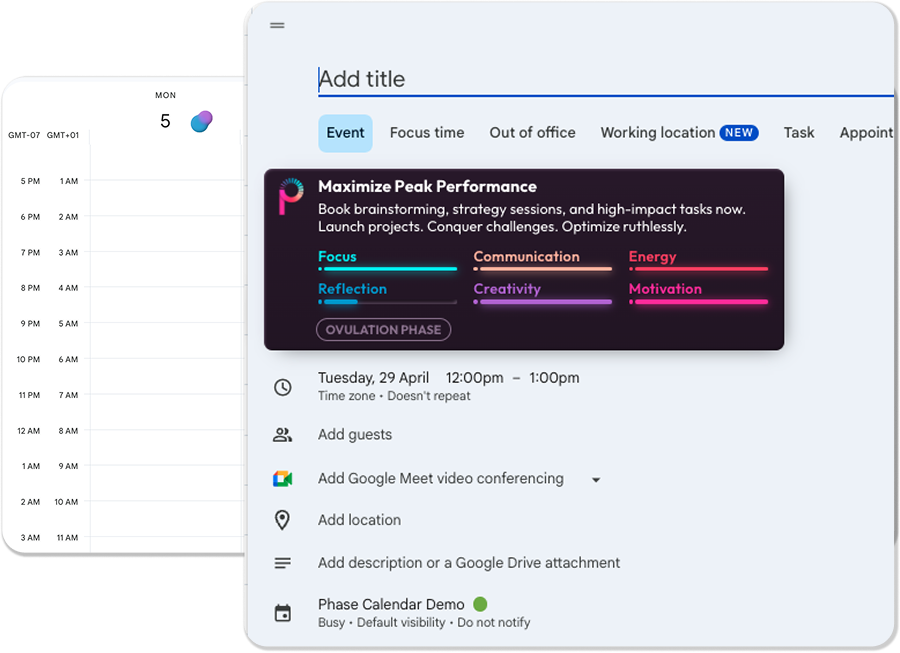

Now you’ve installed the extension, follow these steps to install Phase on your desktop.
- Pin the Phase extension to your toolbar, to get Phase insights wherever you’re working.
- Log-in to the extension with your Phase log-in details.
- Open or refresh your calendar, to view how your energy & cognition is shifting, and schedule smartly.
FAQs
What platforms is Phase available on?
Currently you can install Phase on Google Chrome and Microsoft Edge - this adds Phase to Google and Outlook Calendars.
How do I Pin the Phase extension to my toolbar?
- Go to ‘Manage extensions’ in your browser settings
- Within Phase, select ‘Details’
- Scroll down through details to ‘Pin to toolbar’, and enable this setting.
Will Phase be visible to anyone else?
No. Phase is 100% private. Which means the extension, even when in your calendar and events is only visible by you.